Gnosis

Private, local-first personal AI

Your mind,
kept private.

Gnosis is an assistant that runs on your own computer. It remembers your notes, files and links, answers from them, and shows you where every answer came from.
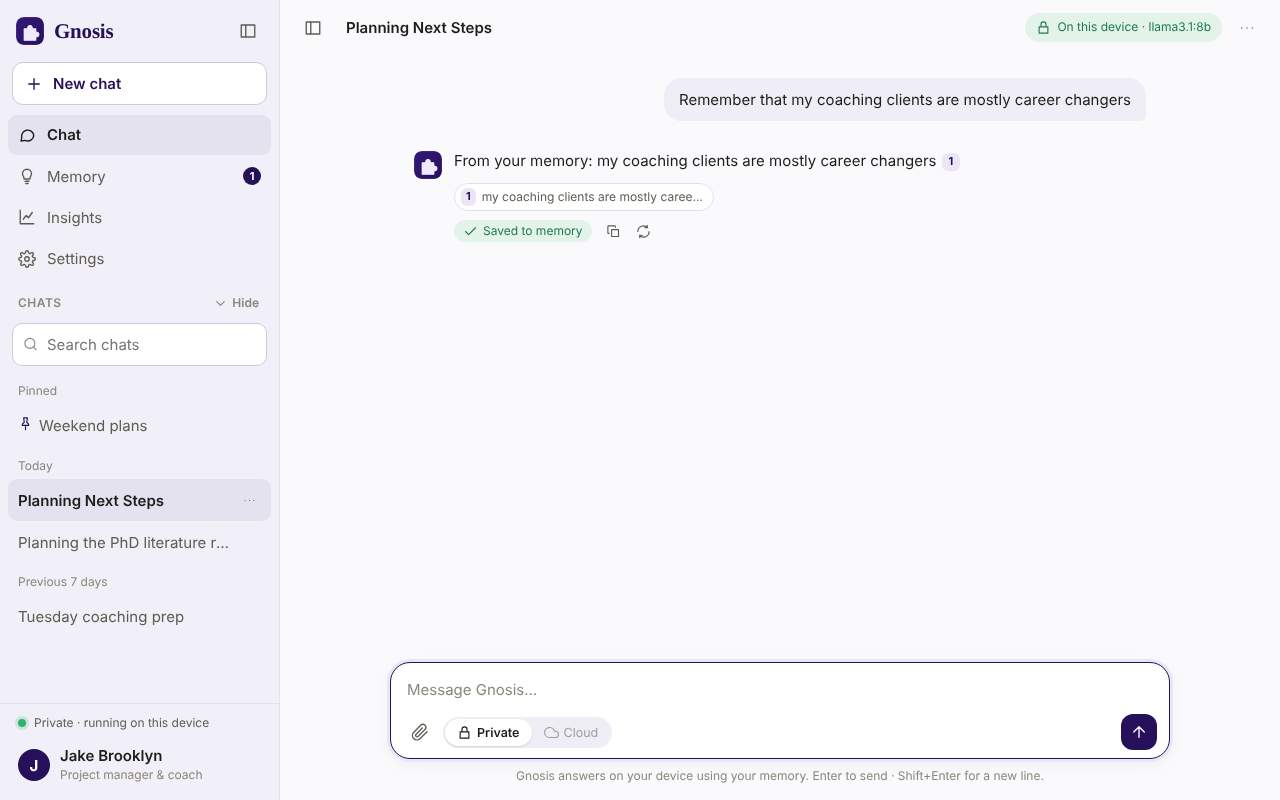
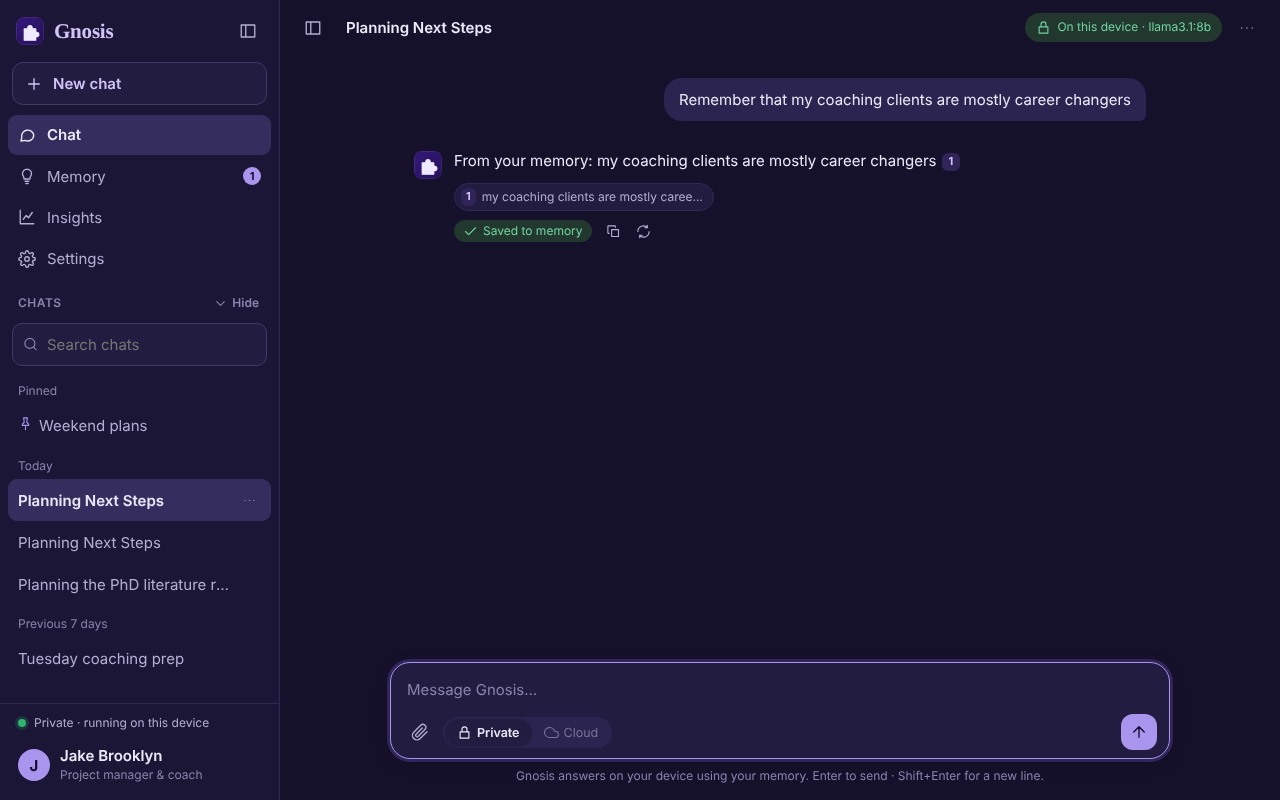
The Gnosis chat window. A question is answered from a saved note, with a numbered source chip under the reply. The Gnosis chat window in dark mode, answering from a saved note with a source chip.

What it does

An assistant that already knows your world.

Chats that remember

A separate conversation for every topic. Say “remember that…” and it is saved on the spot.

One memory for everything

Notes, documents and web links, indexed on your computer. Edit or delete any of it.

Answers with sources

Each reply points to the memory it used, so you can check it.

See everything it does

Privacy

The cloud only sees what you let it see.

Everything runs on your computer by default. If you want a stronger model for one question, you can switch the cloud on for that message. Gnosis swaps personal details for placeholders first, shows you exactly what will be sent, and puts your details back into the reply.

  • The cloud is off until you turn it on.
  • You review a preview before anything is sent.
  • Your cloud key lives in your system keychain, not in a file.

How it works

From question to answer, step by step.

  1. 1

    You ask

    Type a question in plain language, in any of your chats.

  2. 2

    It looks

    Gnosis searches your notes, files, links and past chats by keyword and by meaning, on your computer.

  3. 3

    It answers

    A model running on your machine writes the reply and marks its sources 1 so you can open them.

  4. 4

    You decide

    New facts it noticed wait in your inbox. Keep the ones you want.

Try it in your browser

See Gnosis for yourself.

Try it on your own computer, or ask us for a walkthrough.